
High Quality Audio
Rewind streams at the highest bitrate your Discord voice channel uses — no compromises.
Rewind focuses on the best possible audio quality and only the features that are actually useful. Paste any link, hit play, and enjoy.
Rewind trims the bloat and keeps only the features that make listening together better.
Rewind streams at the highest bitrate your Discord voice channel uses — no compromises.
Get started with slash commands, or set up a music channel where you just type song names.
Supports YouTube, Spotify, SoundCloud, and more. Drop a link and it just plays.
Keep the music going with related tracks after the queue ends, just like Spotify radio.
Shape your sound with a wide range of filters, including nightcore, bass boost, and many more.
Build playlists of your favorite songs and load them straight into the queue.
Balance the queue equally across everyone requesting, so nobody hogs the airtime.
Keep music playing around the clock, even when nobody is left in the voice channel.
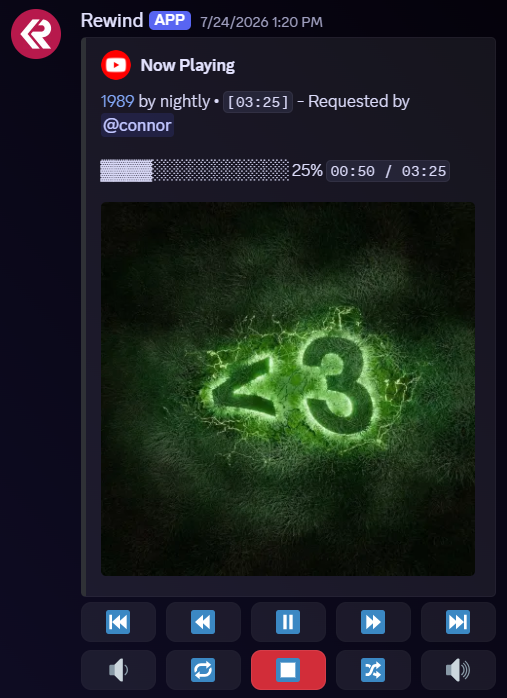
A single now playing embed with controls — type a song name to instantly queue it.
Set up a dedicated music channel with a single now playing embed and interactive controls. Typing a song name in the channel instantly queues it — no commands required.

Quality-first streaming at your channel's highest bitrate.
YouTube, Spotify, SoundCloud and more — all in one place.
Only the features that are genuinely useful, nothing else.
Add Rewind in seconds and start playing from any source at the best quality.